
Organize, Merge & Prep Your Files in Seconds.
Online tools for imposition, mail merge, collating and document bundling. Built for print shops, W2P sites, offices, admins, schools, students & anyone handling big stacks of files.
- Free setup help and ongoing support.
- Monthly billing. No contracts or setup charges, cancel anytime.
- Drag & drop interface anyone can use.
- Browser-based. Nothing to download or maintain.

Security
Hosted on AWS with AES-256 SSL encryption. Your files stay protected in transit, at rest, and available when you need them.

Value
No setup fees or long-term contracts. Just simple monthly pricing that starts or stops as your workload changes.

Easy To Use
Clean, drag & drop tools that work within any browser. Setup help and support is always free.
The Tools:
Merge (Imposition):
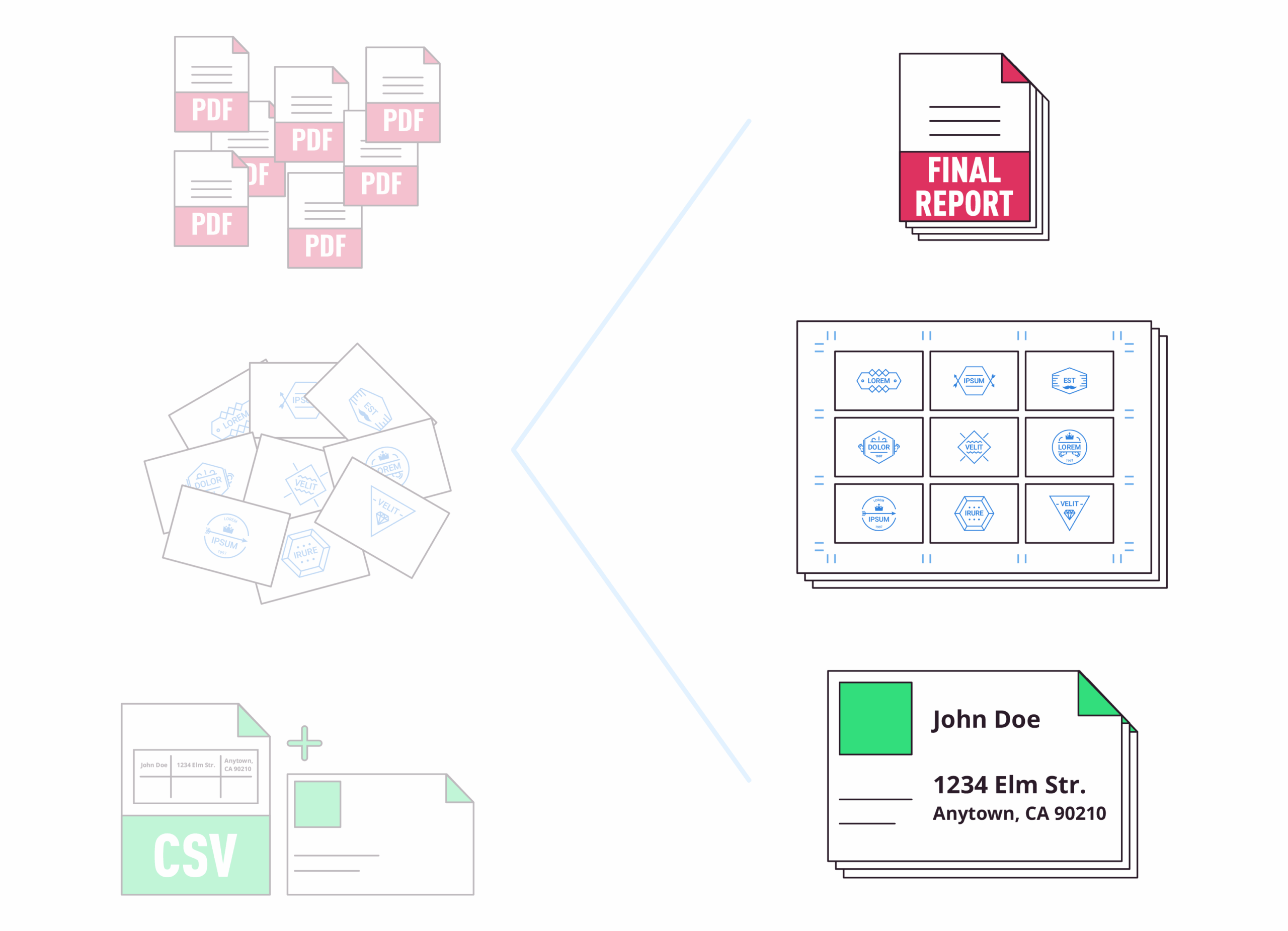
Use built in system templates or create your own in seconds. Choose your sheet size, item size, margins, and bleed, then upload your files to lay them out in N-up, step & repeat, or cut-and-stack formats. It’s enterprise level imposition in a simple drag and drop tool.
Need to combine files of different shapes and sizes? Use the packable setting to fit them efficiently onto the sheet.
- System or custom templates for any sheet size
- N-up, step & repeat, or cut-and-stack imposition
- Packable mode for mixed sizes
- Automatic cover sheets and slip sheets
- Set overages and adjust quantities on the fly
- Crop marks and page numbers
- Drag and drop upload or FTP for bulk upload
- Works with the Collate Tool to bundle files
- API-ready for automated workflows
Mail Merge:
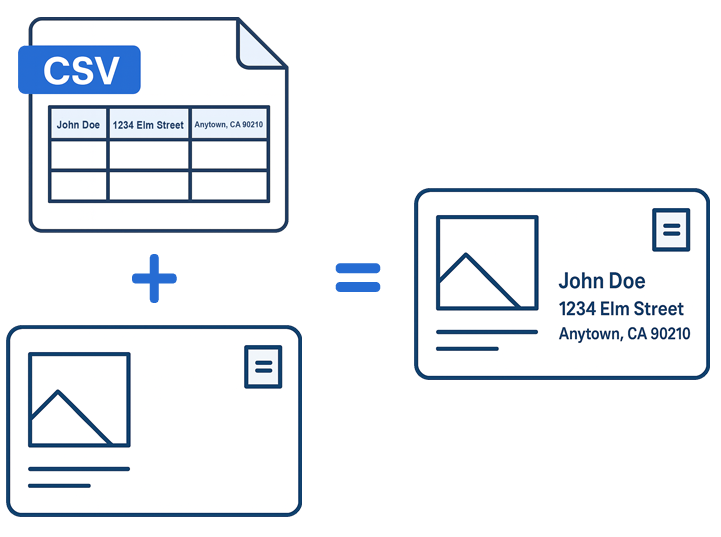
Effortlessly create a batch of documents that are personalized for each recipient. Upload a CSV file, upload a PDF file and get a new batch of files unique to everyone on the list.
It doubles as a form filler tool to fill forms in large batches. The merge tool (above) is integrated with the mail merge tool so you can impose your files during the mail merge process if needed.
Add Pages To PDF:
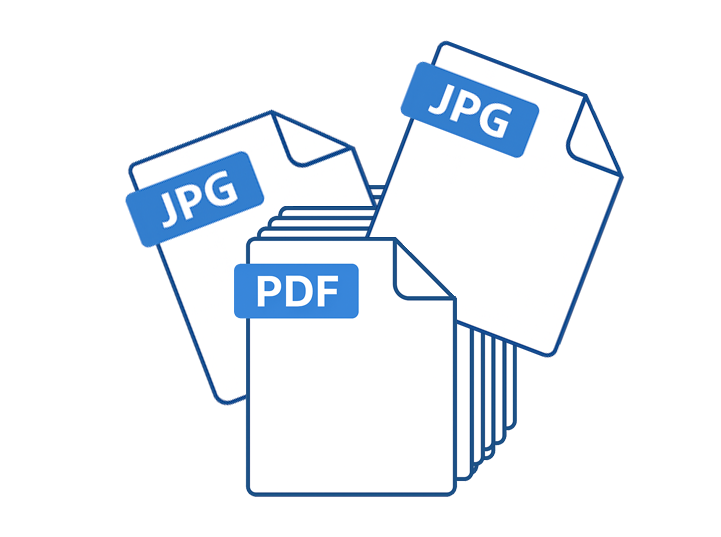
Bulk up an existing PDF by inserting pages into it. Quickly insert single page PDFs, JPGs or PNG files into a multi page PDF.
You have the ability to insert the new file in front of every page. Then for every X amount of pages thereafter along with the option to only insert it X amount of times.
Collate (Combine):
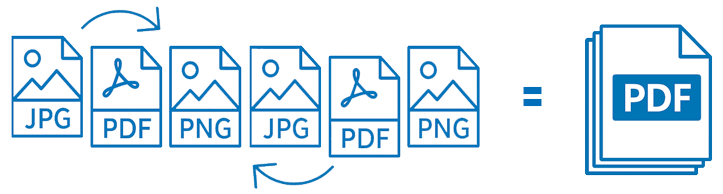
Upload, drag, drop and duplicate files with ease. Set the order you want and click the collate button. You’ll get a nice new multi page PDF made from any combination of JPG, PNG or PDF files.
Mix and match file types & Works with multi page files
Split PDF:
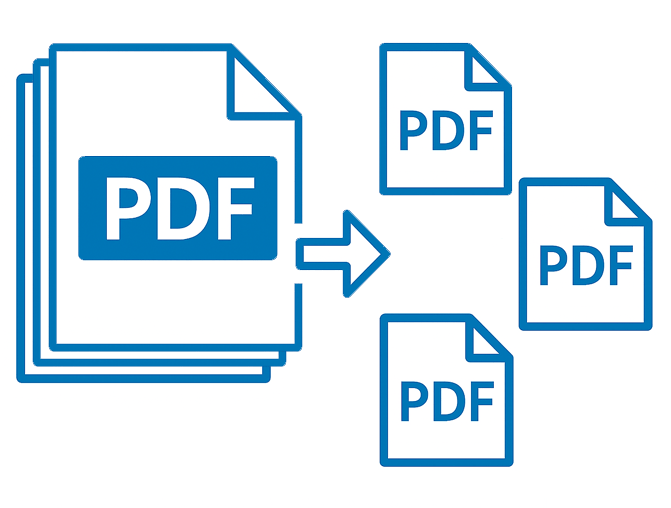
Split up multi paged PDF files with a quick drag and drop. Pull out a single page or download all the pages individually with a single click.
Send files over to the collate tool right from the splitter tool to rearrange pages or insert JPG or PNG files and create a new multi page PDF.
Latest From The Blog:
-
The Best Imposition Software to Automate Printing PDFs
When you search online for the best imposition software to automate and print PDFs do you find only high priced software? File Splice is the best low cost, start-to-finish imposition software starting with…
-
Low Cost Imposition Software
FileSplice is a flexible and easy to use low cost imposition software that works with PDF files. We built it for a variety of uses and industries. Printing companies, web to print businesses,…
-
PDF Merge Service
Do you have a large amount of PDF files you need merged together but don’t have the software or experience to get it done? FileSplice has you covered. Think of us as a…