
Stop Wasting Hours on Document Prep.
The ultimate cloud-based toolkit to merge, split, collate, bundle, and automate your files. Built for print shops, admins, educators, and anyone who just wants to hit “Print” and move on.
Free setup & support included. 74% less than Adobe. No software to download.
Combine Pages from Any File
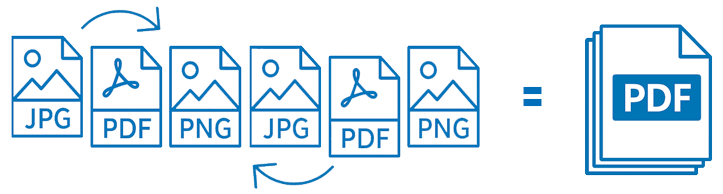
You need to bundle a dozen files from different clients into one clean presentation. Or combine a PDF with a JPG for a class report, or attach a 2-page cover form to a 50-page contract.
Upload PDFs, JPEGs, and PNGs. Click, drag and drop to organize them into one clean, continuous, multi-page PDF. Perfect for legal packets, real estate bundles, or weekly lesson plans.
Easily duplicate pages, reorganize the order, or combine with files from our Imposition Tool for the ultimate document bundling experience.
Extract Exactly the Pages You Need
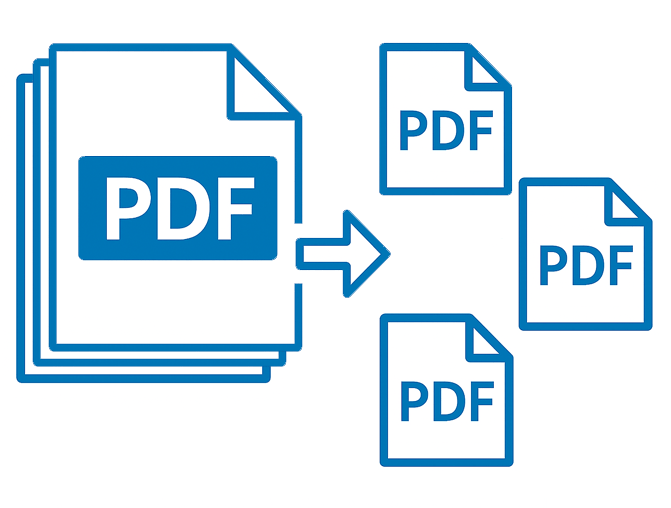
You’re stuck with a massive multi-page PDF but only need a specific chapter, a single invoice, or a handful of pages to share. Sending the whole file is bulky, confusing, and often unprofessional.
Break a multi-page PDF into exactly the pages you need. Extract page ranges, remove unwanted content, or download every page as an individual PDF with a single click.
Need to reorganize? Send extracted pages straight to the Collate Tool to reorder, trim, and build a brand new bundle.
Impose Files for Print. Automatically.
You have hundreds of different files like stickers, tags, flashcards, business cards and need to impose them for printing without waste. Oh, and you need different quantities of each.
Automatically arrange multiple files onto a single sheet. Upload by drag-and-drop or connect via FTP for larger batches. Choose a system template or build your own, set sheet size, item size, margins, and bleed — then merge in N-up, step & repeat, or cut and stack formats.
Mixed shapes and sizes? Use the packable setting. Need hands-off automation? Plug in our API.

Personalize Thousands of Documents in Seconds
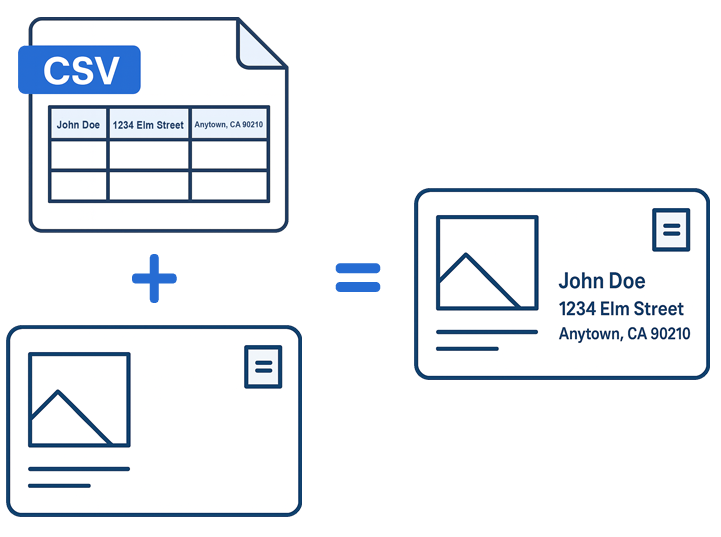
Manually typing out hundreds of personalized envelopes, client letters, certificates, forms, or mailing labels is soul-crushing, error-prone busywork.
Upload a CSV with your data and a base PDF or JPG, and File Splice instantly creates a personalized document for every single row. Handle massive list mailings and high-volume PDF form filling in seconds.
Want print-ready sheets? Automatically combine with the Merge Tool to impose output N-up or cut-and-stack at the same time — finished files in a single workflow.
Insert Dividers & Slip Sheets Automatically
You have a 100-page document and need to insert a cover sheet or divider every 5 pages. Manually splitting and re-combining the file is a recipe for a lost afternoon.
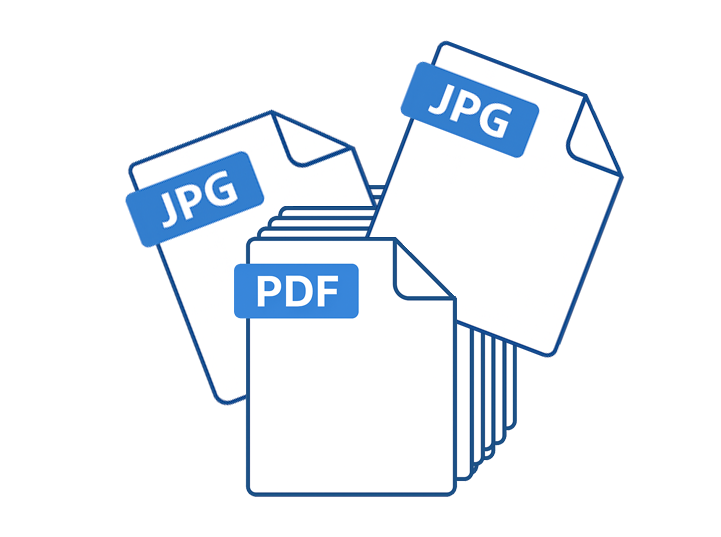
Upload your main PDF and the page you want to insert (PDF, JPG, or PNG), then choose your frequency. Insert before every page, every X pages, and even control how many times the insert repeats.
Perfect for building training manuals, branded packets, and organized binders in seconds — no manual labor required.
Built for the Way You Work
From university classrooms to high-volume print shops, File Splice is the Swiss Army Knife for anyone who organizes, handles, and automates PDFs.
Offices & Operations
Bundle invoices, statements, contracts, and reports into clean multi-page PDFs. Split and reorganize large files so each client or department gets exactly what they need.
Teachers & Educators
Combine handouts, worksheets, and readings into one packet per class. Split large PDFs into specific chapters and reorganize materials by unit or student group.
Print Shops & Production
Impose business cards, postcards, and flyers in N-up or cut-and-stack layouts. Turn customer PDFs into print-ready sheets with crop marks, slip sheets, and overages.
Mailing & Fulfillment
Use mail merge to generate personalized letters, forms, and address labels from a CSV. Add cover pages, dividers, and instruction sheets automatically before packing and shipping.
Online Stores & eCommerce
Create batches of packing slips, return forms, and branded inserts from order data. Collate product shots and assembly instructions into one bundle per shipment.
Automation & API
Use our API to run repeating jobs hands-off. Pull files into hot folders and let File Splice merge and route finished PDFs back into your existing workflow.
Frequently Asked Questions
Do I need Adobe Acrobat to split or merge my PDFs?
No. File Splice is a completely cloud-based alternative. You can split, merge, and collate documents directly in your browser without installing any software or paying for an expensive Adobe subscription.
Can I combine different file types like JPEGs and PDFs together?
Yes! One of our most popular features is the ability to upload a mix of PDFs, JPEGs, and PNGs. Our Collate and Merge tools handle these formats seamlessly, outputting everything into one unified, high-quality PDF.
How does the “Add Pages” frequency tool work?
Upload your main file and your insert page, then tell File Splice to add it “every X pages.” The app handles the rest, building your entire assembly in seconds — no manual splitting or re-combining needed.
Is there a limit to how many files I can Mail Merge at once?
File Splice is built for high-volume production. Whether you’re generating 10 personalized certificates or 10,000 mailing labels via CSV, our system processes the data in the cloud so your computer doesn’t lag or crash.
Does File Splice support Cut and Stack imposition?
Yes. Along with N-Up and Step & Repeat, we offer a dedicated Cut and Stack layout — essential for print shops producing numbered tickets, booklets, or any project that needs to remain in order after being cut on a guillotine.
Ready to Get Started?
Free setup and ongoing support is included with every account. We’ll help you configure your workflow or tackle a project — just email us.
No setup fees · No long-term contracts · Starts or stops with your workload