
Mail Merge Software Made Simple
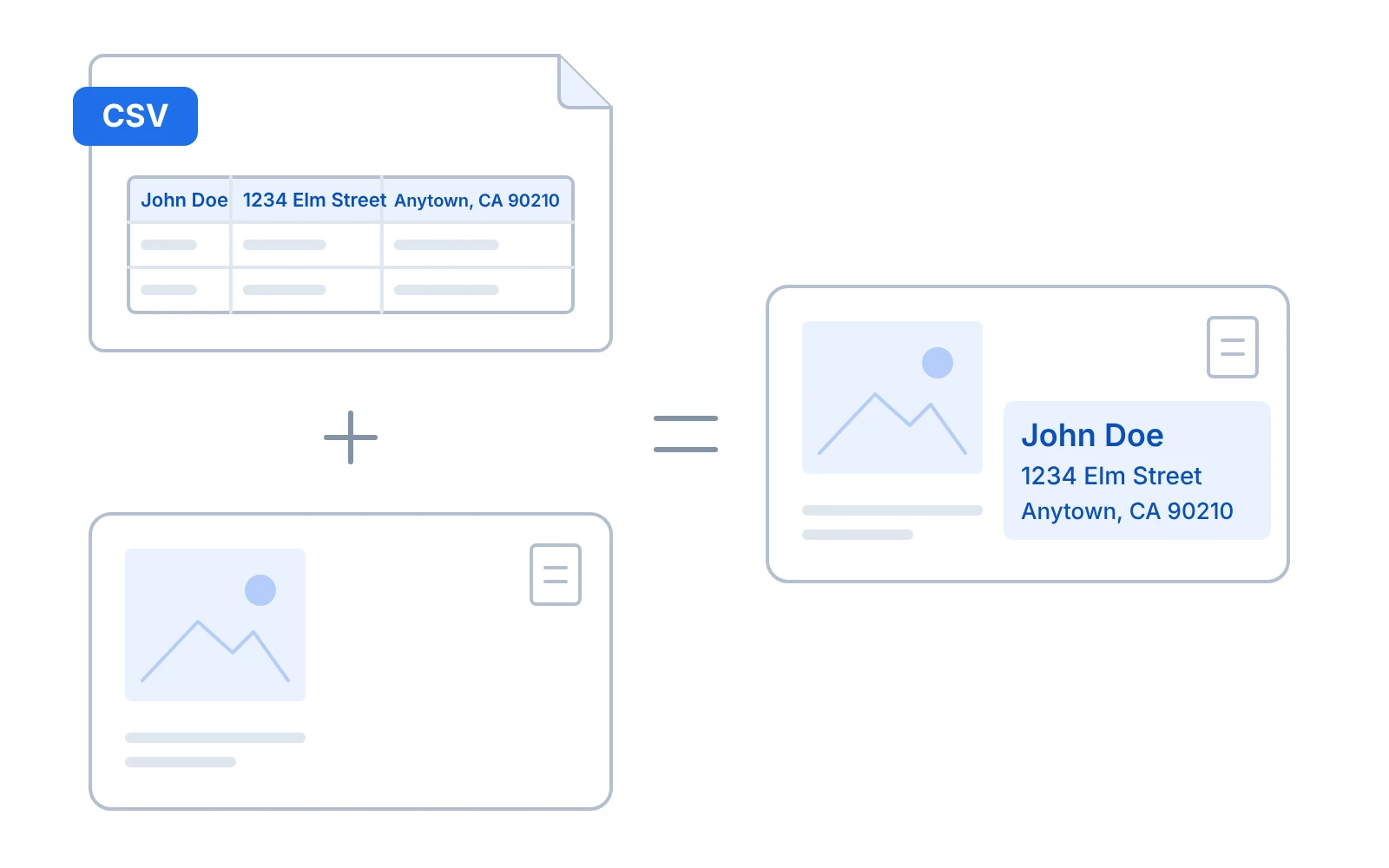
Add information from a CSV file to a base PDF or JPG in bulk. Quickly create large list mailings, postcards, letters, fill out forms or anything you need printed or filled with variable data.
- CSV + PDF or JPG
- Impose N-up as you merge
- Nothing to install
3 Simple Steps to Mail Merge
-
Upload your CSV file
Drag and drop in your CSV file. Each column will represent a text field to be placed over the base image.
-
Upload your base image
Drop in your base image, as a PDF or JPG.
-
Add & adjust text
Add an address block, custom text or just select a specific column from the CSV file to add. You have total flexibility.
Easy User Interface
Clear calls to action and simple tools to get your mail merge projects done quickly and easily. Three steps, that’s it!
No learning curve, complicated instructions or unnecessary functions.

Mail Merge & Impose
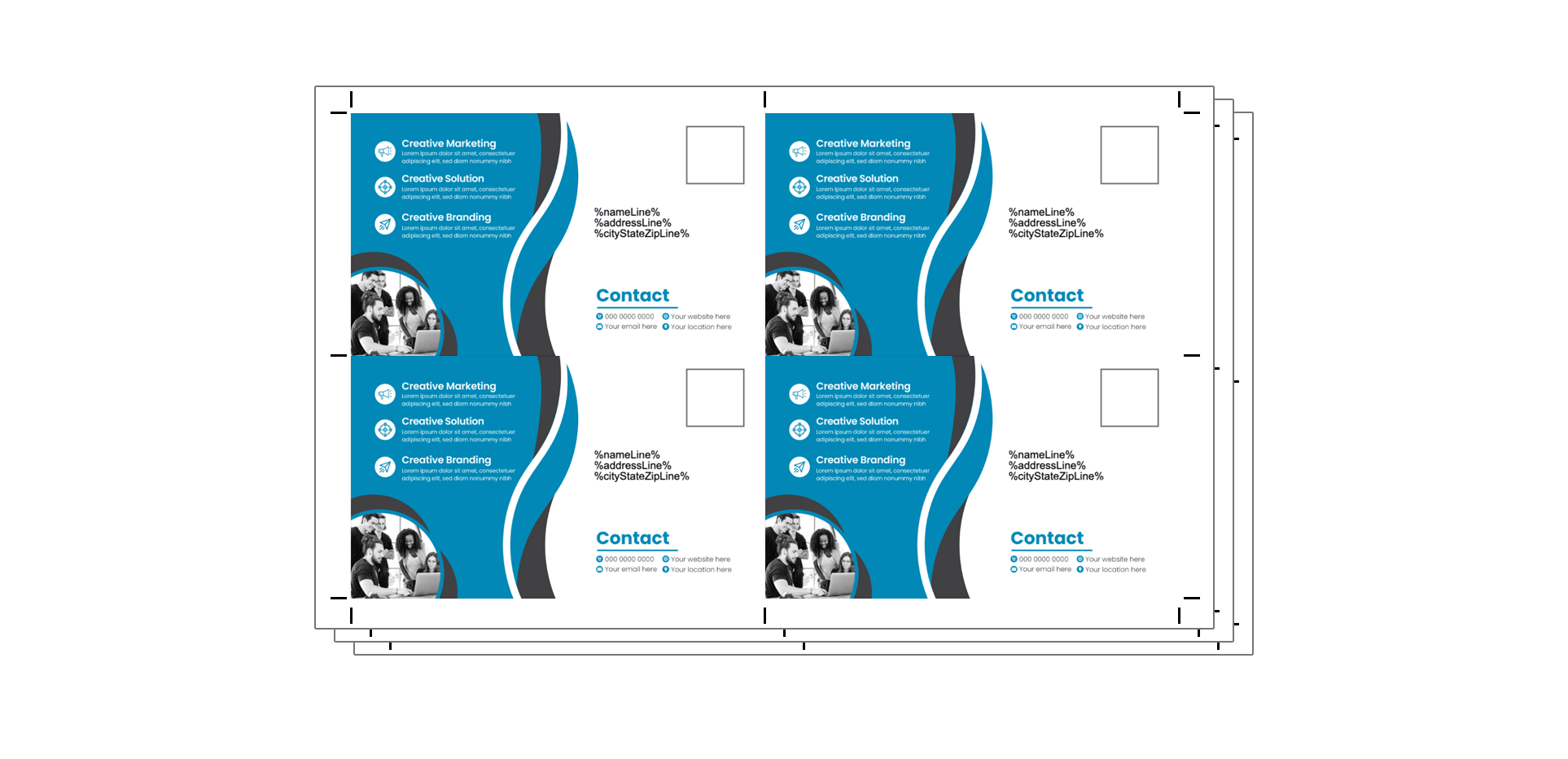
You have the option to either merge your files onto a template or get them as individual pages.
Save time and hassle by imposing your mail merge projects N-up or cut and stack at the same time you create your files.
Easy & Inexpensive Mail Merge Software
Forget the overly complicated and expensive mail merge programs. Here at File Splice we aim to make projects easier. Get your mail merge projects done quickly without downloading and installing any software, because File Splice lives in the cloud. That means you can mail merge from anywhere in the world you can get online.
Use our organization function to work together with other team members who might be remote, and collaborate to get files built and projects done. What’s the cost? It’s low, and it’s month to month with no setup charges or support charges. Visit our pricing page to learn more.
If you have questions or need help with a mail merge project, just ask!
Mail Merge Questions
What files do I need for a mail merge?
A CSV file with your data and a base image as a PDF or JPG. Each column in the CSV becomes a text field you can place on the base image.
Can I use it to fill out forms?
Yes. Mail Merge doubles as a form filler for filling out forms in large batches.
Can I impose my mail merge for printing?
Yes. You can get your merged files as individual pages, or impose them N-up or cut and stack at the same time you create them.
Do I need to install any software?
No. File Splice lives in the cloud, so you can mail merge from anywhere you can get online.
What does it cost?
It’s low and month to month, with no setup charges or support charges. Visit our pricing page to learn more.
More Tools Inside File Splice
See all featuresReady to Start Merging?
Free setup help, simple monthly billing, no contracts.