
Powerful Imposition Software, Made Easy.
Our merge tool functions as easy-to-use imposition software with virtually zero learning curve. It lives entirely in the cloud and works completely independently so you can work from any location. It has no expensive contracts or setup charges, and always includes free setup and ongoing support. All for less than today’s Starbucks.
Simplify Your Imposition Work
The Headache
Most imposition software was built for a different era of print, and it shows. Heavy desktop applications like Kodak Preps and EFI Metrix are locked to a single licensed machine, creating bottlenecks. Steep learning curves, broken upgrades, machines running out of memory and complex setups mean prepress operators spend more time wrestling with software than shipping jobs. And for those using Adobe InDesign, well, sorry you aren’t leaving the shop early on Friday.
The Fix
File Splice was built for the way modern print shops actually work. Easily create, name and save templates for clients, workflows or products. Upload the files in your browser or via FTP, adjust a couple of settings and you’re done. Because it lives in the cloud, your whole team can access it from anywhere, keeping jobs moving even when you’re away from the shop. And with pricing that replaces four-figure desktop licenses, the savings go straight back to your bottom line. Plus it’s backed by free support whenever you need it. It’s imposition the way it always should have been.
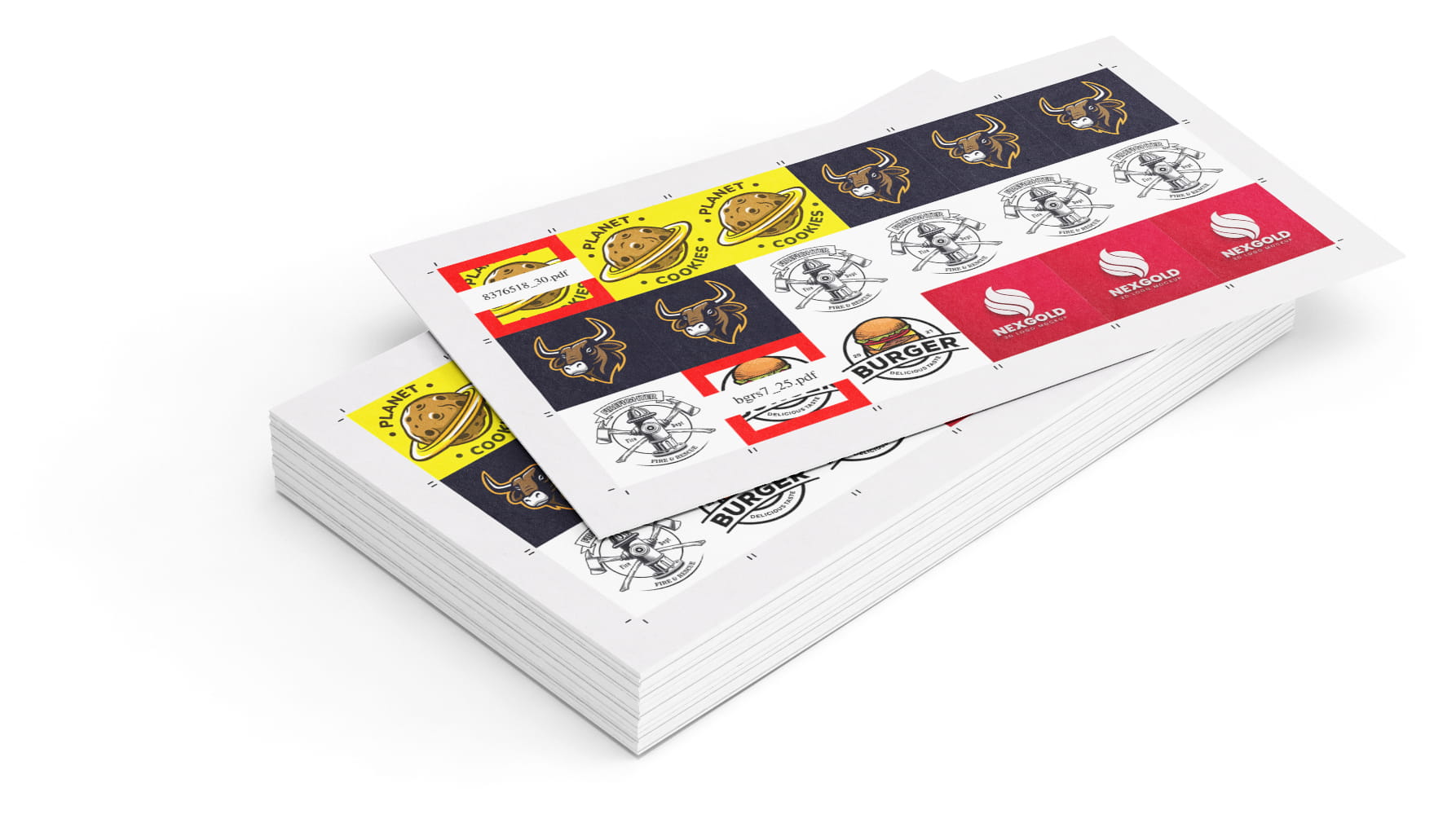

Impose Files in 3 Easy Steps
Using the Imposition (Merge) tool is simple. If you know how to drag and drop a file, you’re 75% of the way there.
- Upload Your Files: Start by dropping your PDF, JPG, or PNG files right into the layout template you need. This can be done right in your browser or via FTP for large uploads.
- Adjust Any Settings: Turn on crop marks, break labels to clearly identify separation between jobs, add page numbers, custom cover sheets and more cool stuff you can read about here.
- Click Build: Select the file(s) you want to impose and click build. Head to history to download your newly imposed files. If it’s Friday, leave early.
Start Imposing Your Files Now! →
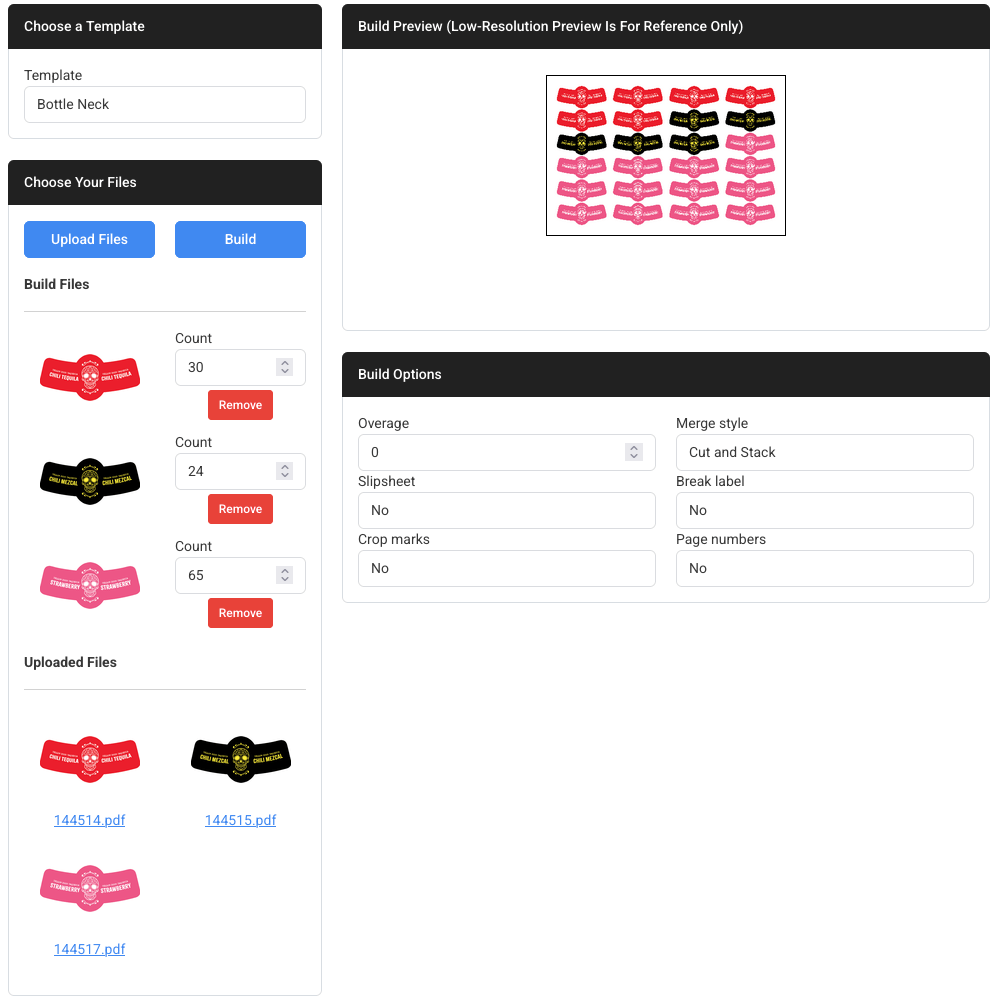
Feature Breakdown
Here’s a quick look at exactly what you can do with the Imposition (Merge) Tool:
| Custom sheet sizes | Yes — input any width and height |
| N-Up & Step-and-Repeat | Yes — automatically calculates how many fit |
| Cut & Stack layouts | Yes — sequentially order stacks to save time at the cutter |
| Packable layouts (Auto-Nesting) | Yes — auto-arrange mixed sizes to minimize wasted space |
| Variable quantities | Yes — set specific print quantities per uploaded file |
| API ready | Yes — automate imposition workflows from your application |
| Automatic cover sheets | Yes — adds a low-resolution copy with a thick red border and file name |
| Automatic slip sheets | Yes — insert a custom file like a coupon before each file |
| Add crop / cut marks | Yes — toggle them on with one click |
| Mix images (JPG/PNG) and PDFs | Yes — drag and drop all file types in the same workflow |
| Browser-based, nothing to install | Yes — works instantly on any device anywhere you can get online |
Who Is This Tool Built For?
Anyone needing an easy imposition software solution.

Print Shops & Prepress
Quickly gang up multiple jobs from any workstation anywhere in the world. Save custom layouts for customers, jobs and repetitive tasks.

Graphic Designers
Easily send clients or local print shops a perfectly imposed, print-ready file with cut lines already attached so there’s no confusion.

Office Managers & Crafters
Organize files, name tags, or invitations in-house by maximizing exactly how many fit on a standard sheet of paper.
FAQs About Imposition Software
What is The Cost?
Low, we offer simple month-to-month pricing. No long-term contracts, no setup charges and always free support. Visit our pricing page to learn more.
What Browsers Will File Splice Work On?
File Splice is designed to work on all major browsers. Our personal favorite is Chrome but if you like Firefox, Brave, Edge or Safari it’ll work just fine.
What file types are supported?
You can upload and impose PDFs, JPGs, and PNGs directly in the tool.
Is there a limit to how much I can use it?
No. You can use the imposition tool as much as you want with your monthly subscription. The same goes for the other File Splice tools listed below. There are no limits on paid subscription accounts.
Can I demo File Splice?
We thought you would never ask. Yes, go ahead and sign up for an account and email us. We’ll adjust your account for a free trial period of a week so you can test drive it. Also during that time we’ll be happy to offer support to get you up and running.
More Tools Inside File Splice
The Imposition Tool is only part of what’s included. Every tool below is available with no restrictions for one low monthly price.
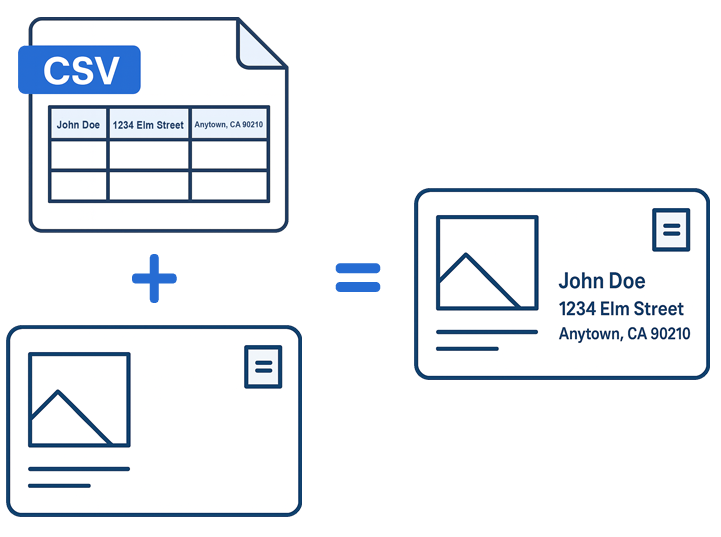
Mail Merge
Generate personalized files from a CSV and template. Doubles as a form filler or creating any variable data files for print.
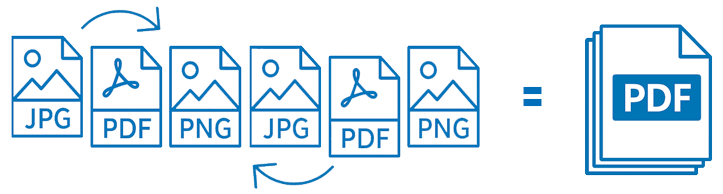
Collate Pages
Combine PDFs, JPGs, and PNGs into a single document. Click to duplicate and rearrange files. Office manager’s dream tool.
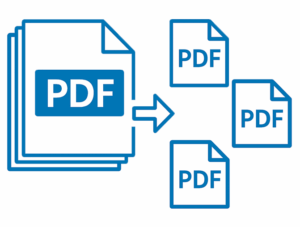
PDF Splitter
Break multi-page PDFs into individual pages instantly. Split a PDF and send it right into the collate tool for rearranging.
Page Inserter
Add cover pages or insert sheets anywhere in a PDF. Specify where, the interval and how many pages you want to insert.
Bottom Line
Running imposition jobs for print doesn’t have to be a headache. Whether you are operate a high-volume print shop or just trying to merge a few dozen name tags at the office, File Splice handles the heavy lifting quickly and affordably. For just a few bucks a month, you get access to the Imposition (merge) Tool along with a full suite of professional file organization tools. Additionally, File Splice always offers free setup and support for any project or workflow. Contact us today!