
PDF Page Inserter – Add Pages or Images to a Multi Page PDF
Easily insert a page anywhere inside a multi-page PDF. At the beginning, before a specific page, or throughout the entire document.
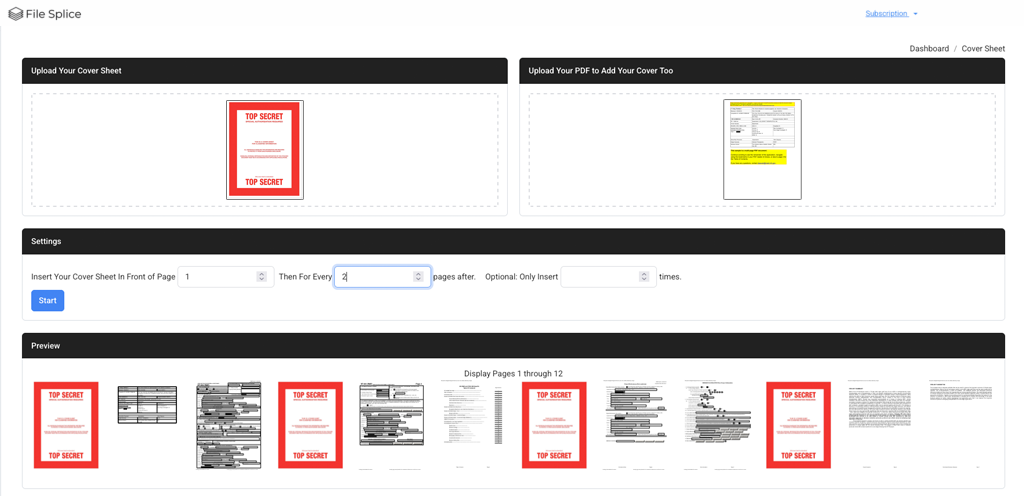
The PDF Page Inserter tool (cover sheet tool) lets you upload a multi-page PDF along with a single PDF, JPG, or PNG. Then choose exactly where the single file should be placed: in front of page 1, before any specific page number, or automatically at an interval you choose.
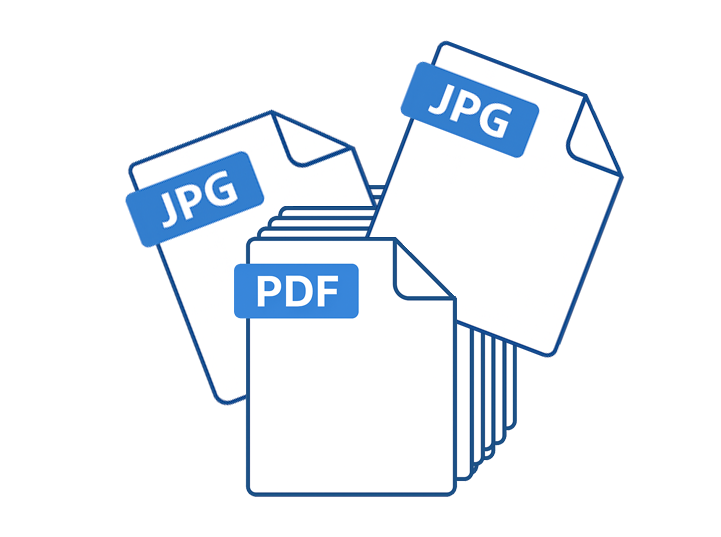
How To Add Pages To A PDF:
1. Upload Your PDF
Drop in any multi-page PDF file.
2. Upload the Page You Want to Insert
Drop in a single-page PDF, JPG, or PNG.
3. Choose Where to Insert The Single Page
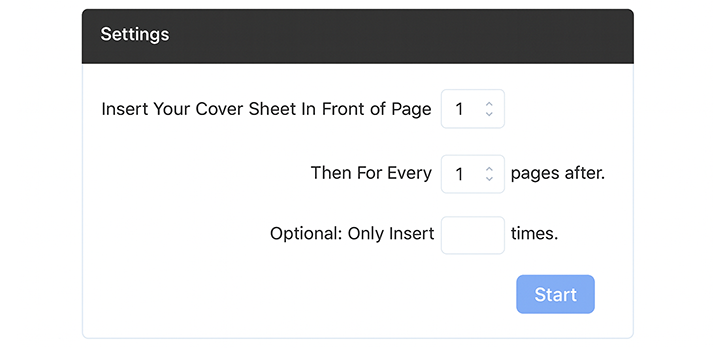
Insert before a specific page, repeat every X pages, and optionally limit how many times it appears.
What You Can Do With This Tool
- Add a cover page to the start of a PDF
- Insert a page before any page number
- Drop in a page every X pages throughout a document
- Add divider sheets for manuals, instructions or mail merge jobs
- Insert instruction pages, disclaimers, or notices
- Mix images (JPG/PNG) directly into a PDF
Why Use the PDF Page Inserter
- No software installation or updates, it lives in the cloud
- Accurate, and easy to use with no learning curve
- Supports both PDF and image files
- Fast, preview and process hundreds of pages in seconds
- Cloud based so you can collaborate with remote users
Frequently Asked Questions About Adding Pages To PDFs
- Can I add a page to the beginning of my PDF?
- Yes. Set the tool to insert before page 1 to add a cover page.
- Can I insert a JPG or PNG into my PDF?
- Yes. Upload any single image file and it will be inserted as its own page.
- Can I repeat the insert multiple times?
- Yes. Choose an interval (for example: every 2 pages) and optionally set a limit for how many times it appears.
- Is there a limit to how much I can use it?
- No. You can use the add pages to pdf tool as much as you want with your monthly subscription.