
Organize, merge & prep your files in seconds.
Browser-based imposition, mail merge, collating and document bundling. Built for print shops, W2P sites, offices, admins, schools or anyone handling stacks of files.
- Free setup help and support
- Simple monthly billing
- Drag & drop in any browser
- No software to download



Five tools. One clean workflow.
Merge (Imposition)
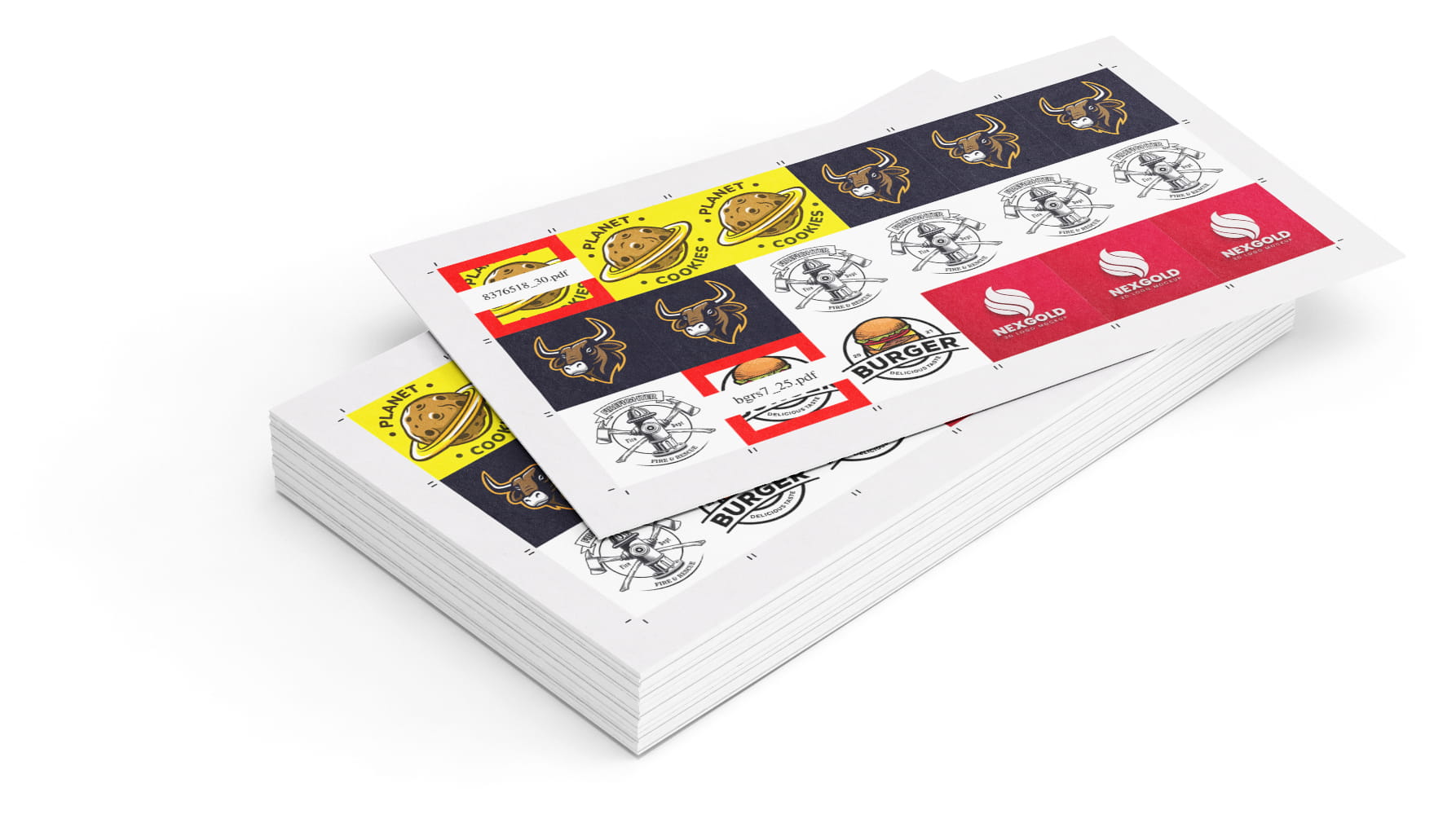
Use built in system templates or create your own in seconds. Choose your sheet size, item size, margins, and bleed, then upload your files to lay them out in N-up, step & repeat, or cut-and-stack formats. It’s enterprise level imposition software in a simple drag and drop tool.
Need to combine files of different shapes and sizes? Use the packable setting to fit them efficiently onto the sheet.
- ·System or custom templates for any sheet size
- ·N-up, step & repeat, or cut-and-stack imposition
- ·Packable mode for mixed sizes
- ·Automatic cover sheets and slip sheets
- ·Set overages and adjust quantities on the fly
- ·Crop marks and page numbers
- ·Drag and drop upload or FTP for bulk upload
- ·Works with the Collate Tool to bundle files
- ·API-ready for automated workflows
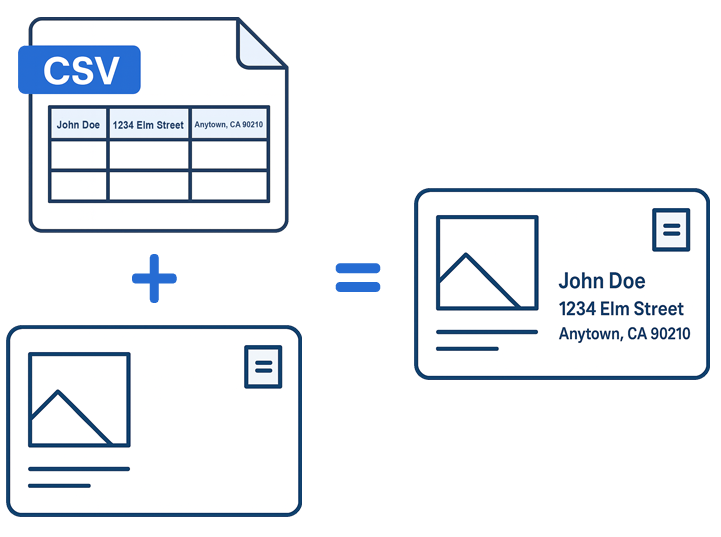
Mail Merge
Effortlessly create a batch of documents that are personalized for each recipient. Upload a CSV file, upload a PDF file and get a new batch of files unique to everyone on the list.
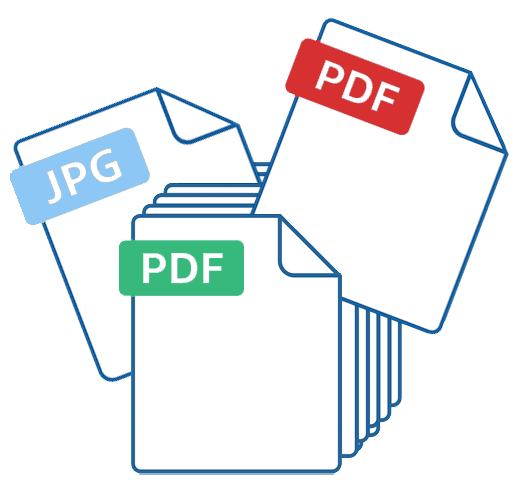
Add Pages to PDF
Bulk up an existing PDF by inserting pages into it. Quickly insert single page PDFs, JPGs or PNG files into a multi page PDF.
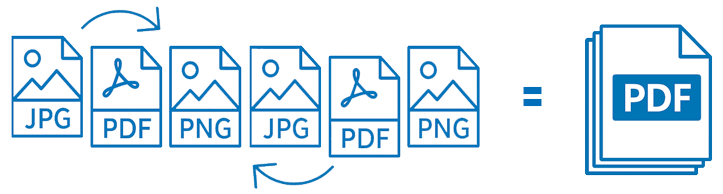
Collate
Most usedUpload, drag, drop and duplicate files with ease. Set the order you want and click the collate button.
Split PDF
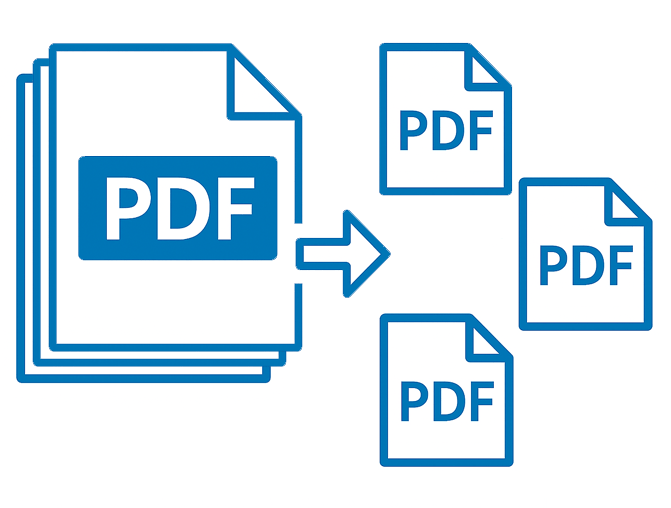
Split up multi paged PDF files with a quick drag and drop. Pull out a single page or download all the pages individually with a single click.
Ready to Get Started?
Remember we always offer free setup and ongoing support for all accounts. We’ll help you setup your workflow or tackle a project, just email us. We’re sitting around waiting.