
If you need to quickly add a cover page, insert an image, or drop divider sheets into a multi-page PDF, the File Splice PDF Page Inserter handles it in seconds. It lives entirely in the cloud, requires no software installation, and is fully included in your monthly subscription.
Stop Fighting With Your Files
You finally have a perfectly good multi-page document — but you forgot the cover page. Or you need to drop a disclaimer right in the middle of a massive packet. Dealing with that feels like a chore.
Instead of re-saving, re-exporting, or fighting with complicated software — just drop a new page right where you need it. The File Splice PDF Page Inserter lets you upload your main file, upload your insert, and immediately target exactly where it goes.
Add Pages to Your PDF in 3 Easy Steps
If you know how to drag and drop a file, you’re already an expert.
- 1 Upload Your Main PDF — Start by dropping your multi-page document right into the File Splice tool.
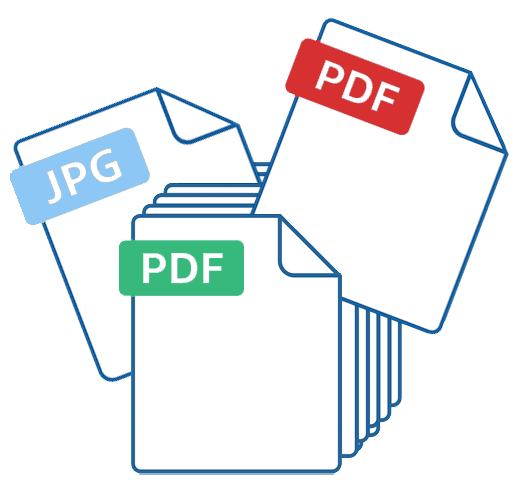
- 2 Upload The Insert — Upload the new file you want to add. You can drop in a single-page PDF, a JPG, or a PNG image.
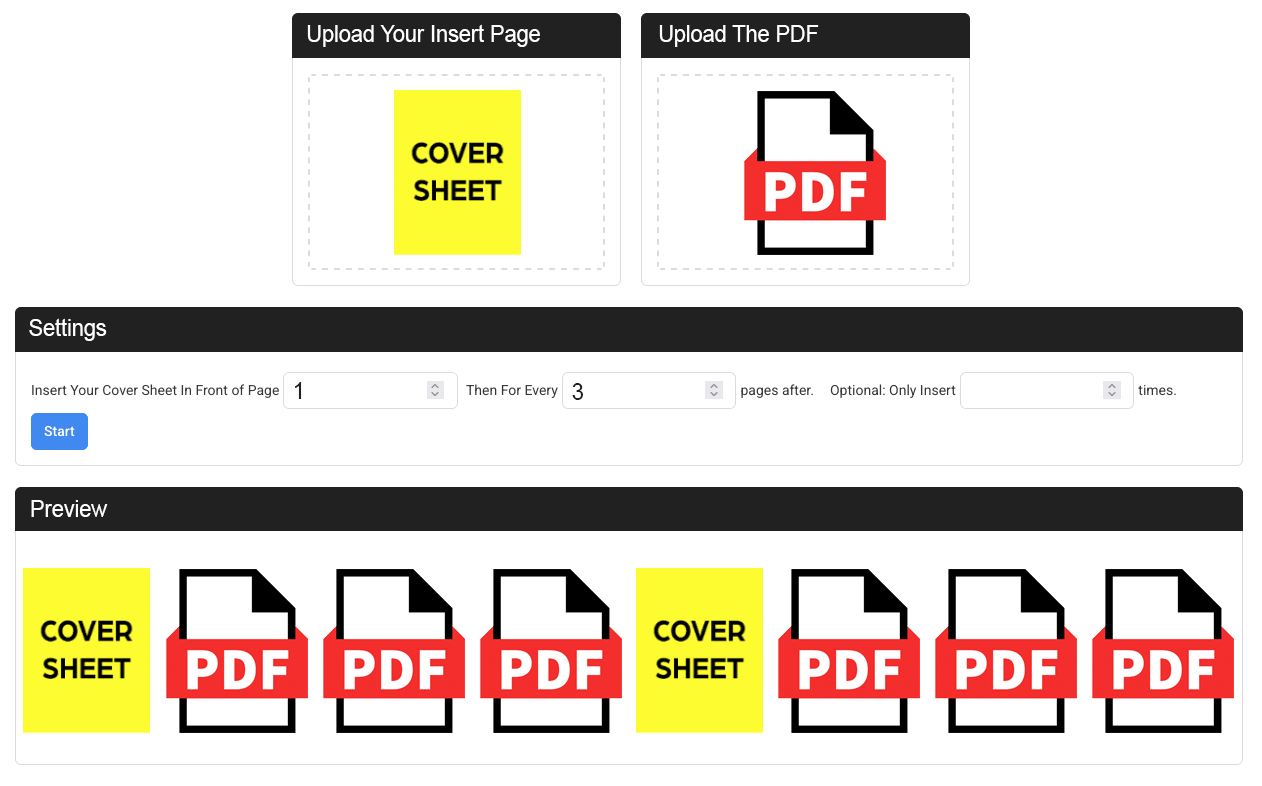
- 3 Choose Exactly Where It Goes — Add it as a cover page, target a specific spot, or repeat it at an interval like every 5 pages.
Who Is This Tool Built For?
Our users love this tool for a whole variety of everyday organizational projects.

Teachers
Add a cover sheet to the beginning of a study packet, insert instructional pages, or drop divider pages automatically between different subjects.

Paralegals
Need to insert an exhibit sheet or a notice before page 42 in a massive legal filing? Drop it exactly where it belongs.

Office Managers
Add an updated policy directly into an existing employee handbook, or mix a JPG/PNG image chart right into a PDF without converting it.
Feature Breakdown
Here’s exactly what you can do with the PDF Page Inserter tool:
| Feature | File Splice Capability |
|---|---|
| Add a cover page | Yes — insert before page 1 |
| Insert a page before a specific number | Yes — choose any page number |
| Drop in a page every X pages | Yes — set your own interval and limit |
| Mix images (JPG/PNG) into a PDF | Yes — drag and drop all file types in the same workflow |
| Browser-based, nothing to install | Yes — works instantly on any device |
Frequently Asked Questions
Click a question to see the answer.
Can I add a page to the beginning of my PDF?
Yes. Set the tool to insert before page 1 to add a cover page.
Can I insert a JPG or PNG into my PDF?
Yes. Upload any single image file and it will be inserted as its own page.
Can I repeat the insert multiple times?
Yes. Choose an interval (for example: every 2 pages) and optionally set a limit for how many times it appears.
Is there a limit to how much I can use it?
No. You can use the Add Pages to PDF tool as much as you want with your monthly subscription.
More Tools Inside File Splice
Every tool below is available on the same $4.99/month plan — no add-ons or upgrades required.
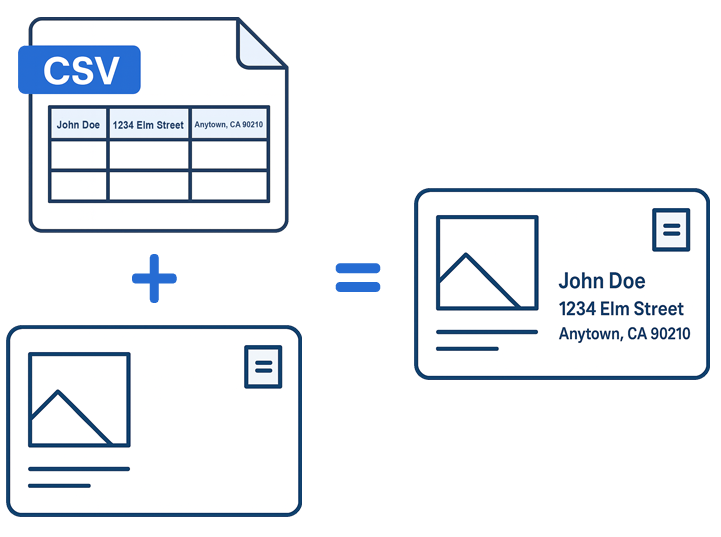
Mail Merge
Generate personalized files from a CSV and template.
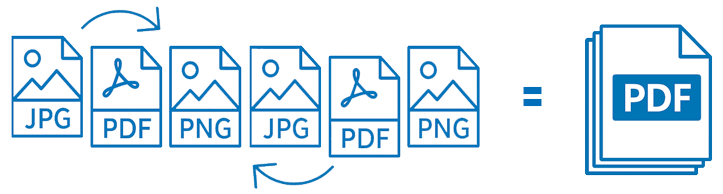
Collate Pages
Combine PDFs, JPGs, and PNGs into a single document.
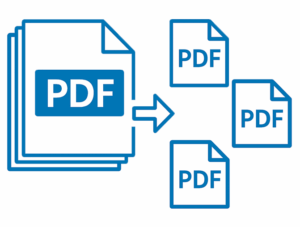
PDF Splitter
Break multi-page PDFs into individual pages instantly.

Imposition
Arrange pages on a single sheet with crop marks for print.
Bottom Line
Editing and organizing PDFs doesn’t have to be a headache. Whether you’re prepping a massive legal document or just getting a cover sheet onto a lesson plan, File Splice handles the heavy lifting quickly and affordably. For just a few bucks a month you get access to the PDF Page Inserter along with a full suite of professional file organization tools — with free setup and support always included.