
Two Simple Options:
1. The OG PDF Combiner
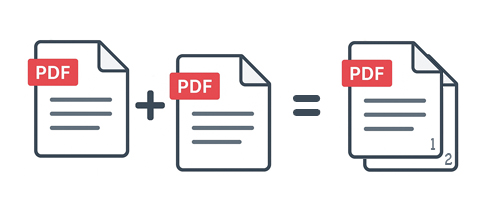
This is the same one everyone and their mother has out there. Drag and drop in some PDFs and the system spits out a new PDF with them all in whatever order you placed them in. It’s helpful, very practical but boring.
If you need it we got it. It’s our collate (combine) tool and you can demo it here with a 10 page limit. User accounts have no page limits. Yes it works with multi-page documents so if you have two 500 page TPS reports you can make one mega TPS report.
2. The Merge Tool
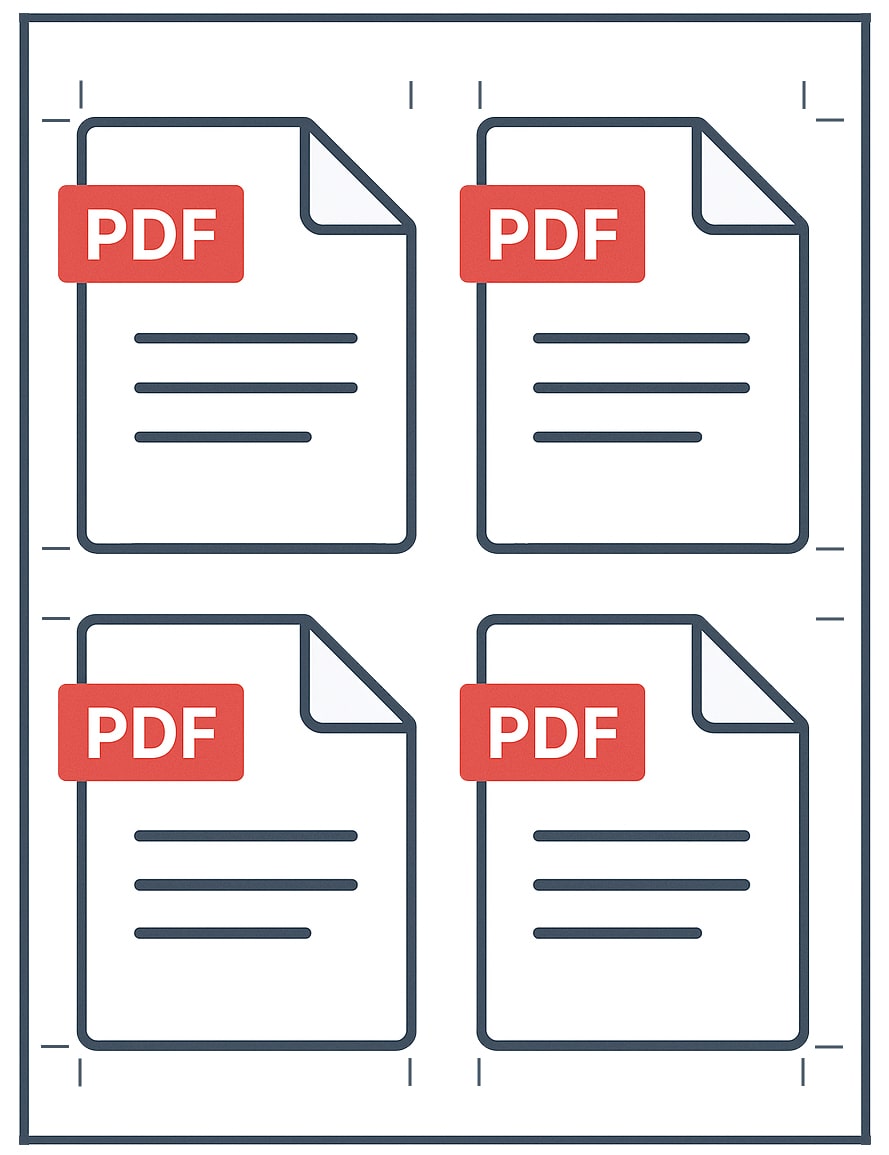
This tool is the Swiss army knife of PDF combining tools. You create a template for how you want to combine files together. Scale up or down PDFs and merge them on a single page.
Sneak a JPG or PNG file in there to create rich document bundles by merging a variety of file types with your PDFs.
Use the packable setting to optimize the space on a specific size page and merge PDFs of different sizes in the most efficient layout.
The merge tool is next level PDF combining. Sign up to get started.
Why File Splice’s Merge Tool Blows Away the Rest
Forget the cookie cutter “drag-and-drop” combine tools that simply concatenate whole PDFs, our Merge tool is a quantum leap ahead. Yes, we include the standard combiner so you can collate files in order. But our Merge tool lets you design, optimize, and customize exactly how the PDFs interlock.
- Template-Driven Layouts
Instead of one giant stream of pages, you can build a merge template and define where each document or page will go on a sheet. This means you can put two smaller PDFs side by side, nest a JPG image into the margin, or overlay bits of content. The possibilities extend far beyond mere concatenation. - Cross-File Scaling & Sizing
Want to drop an 8.5 × 11 page next to a 5 × 7? No problem. Our Merge tool lets you scale and position files of varying sizes so they sit harmoniously on a single canvas without awkward white space or wasted real estate. - Packable Layout Setting
The “packable” setting is tailor made for messy, uneven merges. It intelligently arranges files of different dimensions to maximize coverage, reduce blanks, and cut down on wasted area. Learn more here. - Multi-Format Fusion
It’s not just PDFs. You can insert PNGs or JPGs into the mix — ideal for reports, presentations, or marketing bundles that combine visuals and document scans seamlessly. - Production-Smart Workflow
We built our Merge tool with imposition (print layout) principles baked in. That means optimized margins and spacing, minimal paper waste, and efficient print setups. If you ever take your merged output to press or reproduce for physical circulation, you’ll appreciate the time and cost saved. - Unlimited Scale (for users)
While the basic combiner demo works with a page limit, registered users can push massive documents, merge entire 500-page reports side by side, batch process huge bundles, or build custom templates once and reuse them forever.
Bottom line: The standard PDF combiner is a starter tool. File Splice’s Merge tool is the pro, giving you creative control, smart layout intelligence, and the flexibility to mix file types. Not to mention we offer free setup and support so if you have a template or workflow issue reach out to us and we’ll get you taken care of.